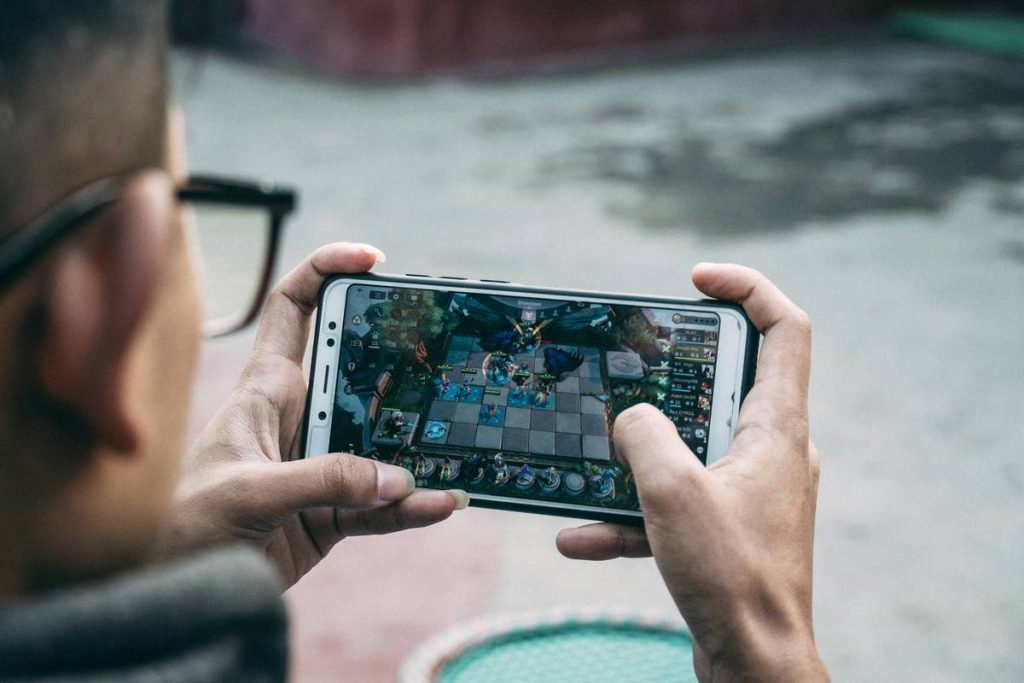
You’re stuck in a dead zone—no Wi-Fi, sketchy cellular data, and that itch to frag bots just won’t quit. Counter-Strike: Global Offensive demands an internet connection by default. But what if you could still drop into Dust II while riding the subway or waiting at the airport? Here’s how to bypass the online leash and play CS:GO offline, even when you’re truly off-grid.
Why Most “Offline” Solutions Don’t Actually Work
Valve built CS:GO around persistent online authentication. Launch it without internet? You’ll hit a brick wall. Steam’s offline mode fools some games—but CS:GO checks in with servers before letting you touch a single bot.
And tutorials claiming “just enable Steam Offline Mode” skip the critical step: you must already be logged in and validated before going dark. Miss that window? No gameplay.
How to Play CS:GO Offline: A Step-by-Step Walkthrough
Done right, this method works 100% of the time—if you prep ahead. Think of it like caching your passport before an international flight.
Step 1: Authenticate While Online
Launch Steam normally. Log into your account. Start CS:GO once—just long enough to see the main menu. Close it. This confirms your license is active.
Step 2: Enable Steam’s True Offline Mode
Don’t just unplug your Ethernet. Go to Steam > Go Offline… in the top menu. Confirm. Restart Steam. Now it runs without phoning home.
Step 3: Launch CS:GO and Add Bots
Open CS:GO. Navigate to Play > Offline with Bots. Pick your map and difficulty. Want custom control? Open the developer console (~ key) and type bot_add_ct or bot_add_t to spawn teammates instantly.

| Method | Requires Prior Login? | Internet During Gameplay? | Bot Customization |
|---|---|---|---|
| Steam Offline Mode (Correct Way) | Yes | No | Full (via console) |
| Unplugging Mid-Session | No | Initially yes | Limited |
| Third-Party Launchers | Risky/No | Potentially | Unreliable |
The Industry Secret: Why Pro Players Still Use Offline Mode
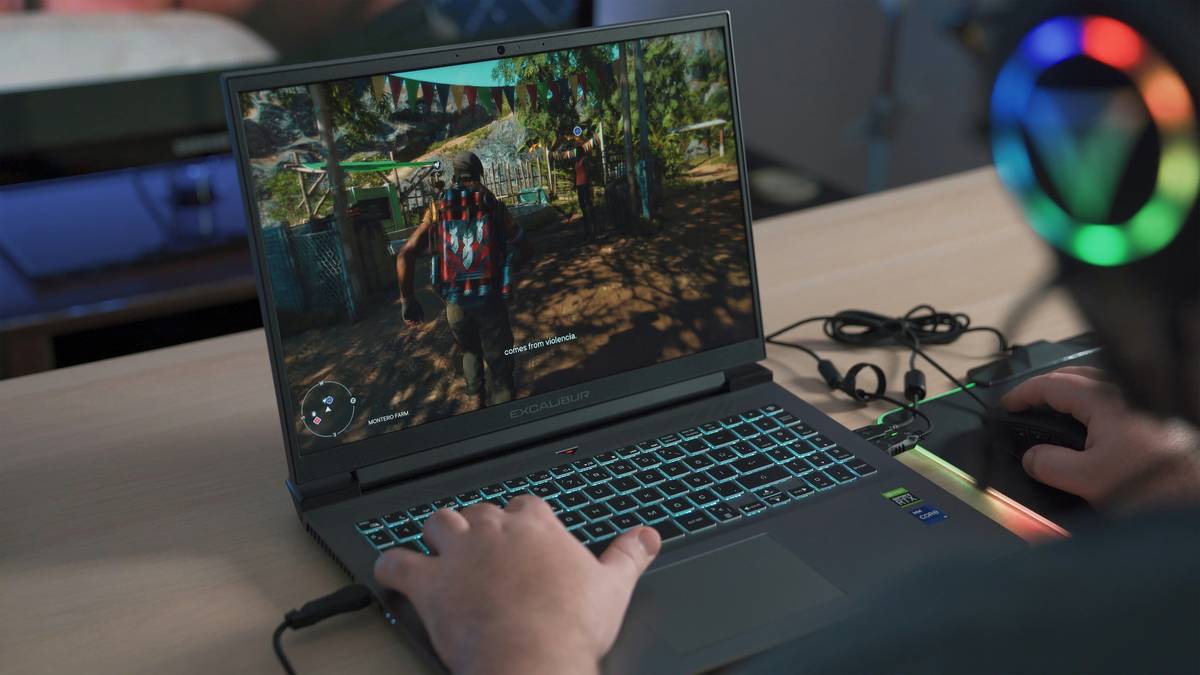
Here’s what no blog tells you: elite CS:GO players don’t just use offline mode for convenience—they treat it as a cognitive lab. Without netcode jitter, server ticks, or teammate noise, they isolate mechanics. Recoil control. Spray transfers. Pre-aiming corners on Mirage. The math is simple: if you can’t master a flick against a predictable bot, you won’t land it in a clutch against a human.
But—and this is critical—Valve’s anti-cheat (VAC) still runs locally. Tamper with game files to “unlock everything offline,” and you risk a ban next time you go online. The legitimate path is narrow but safe.
Frequently Asked Questions
Can I play CS:GO offline without ever connecting to the internet?
No. Initial authentication and periodic license checks require internet access. Offline play only works after successful online validation.
Do bots in offline mode help improve real-game skills?
Yes—but selectively. Use them for aim training, grenade lineups, and movement. Skip them for strategy; bots don’t mimic human decision-making.
Will playing offline affect my Trust Factor or Prime status?
No. Offline sessions don’t register on Valve’s systems. Your matchmaking rating and trust score remain untouched.