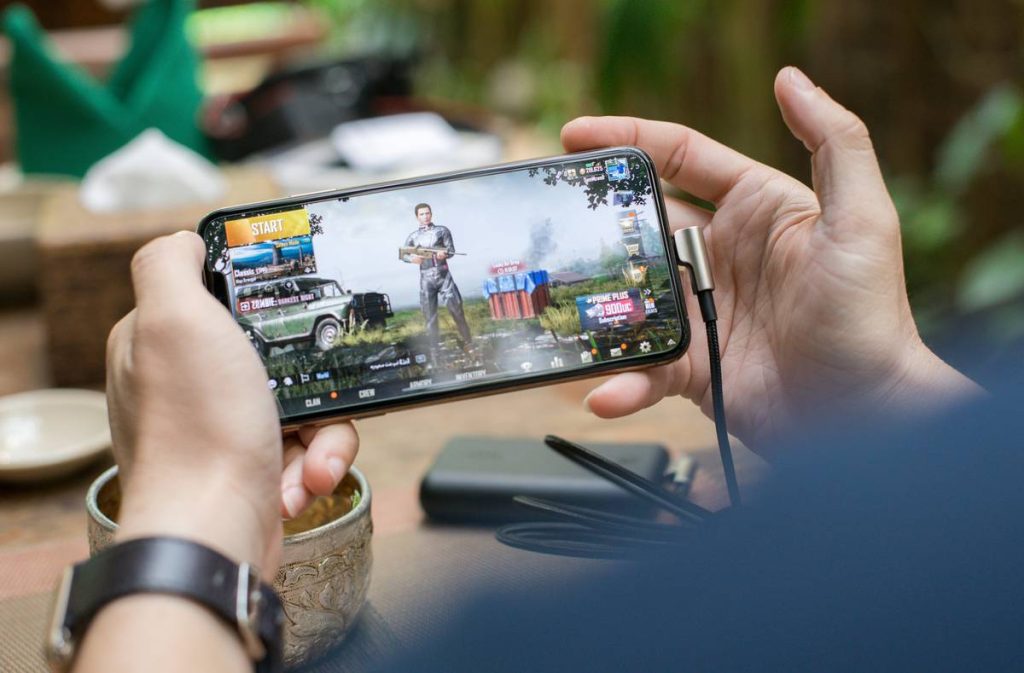
You’re stuck on a delayed train, deep in a tunnel, or flying over the Pacific—zero bars. You open your phone desperate for distraction, only to find your favorite mobile game demands an internet connection. Again. The frustration is real. But what if you could tap into hours of immersive gameplay without ever needing Wi-Fi or cellular data? Here’s how to play mobile games offline—without compromise.
The Myth of “Always Online” Gaming
Most gamers assume offline play died with feature phones. Not true. Publishers push online requirements because they boost retention metrics and ad impressions—not because the tech demands it. The truth? Many high-quality single-player mobile games function flawlessly offline. Yet app stores bury them under live-service titles optimized for engagement loops, not pure fun.
And here’s the kicker: even games labeled “offline compatible” often sneakily ping servers on launch just to validate licenses. That’s why your subway session still fails.
How to Play Mobile Games Offline: A Practical Blueprint
Forget trial-and-error. This method works across Android and iOS:
Step 1: Pre-Download Everything
Launch the game while connected. Let it fully load assets, updates, and tutorial sequences. Don’t skip intros—they often cache critical files.
Step 2: Enable Airplane Mode—Before Opening
Counterintuitive? Yes. But doing this forces the OS to treat the app as truly offline from boot. Some games bypass server checks entirely when they detect no network interface.
Step 3: Choose the Right Titles
Not all offline games are equal. Prioritize those built around local save systems (SQLite, PlayerPrefs) over cloud-synced profiles. Look for phrases like “no ads,” “single-player only,” or “data not required” in descriptions.

| Method | Success Rate | Works on New Games? | Risk of Ban/Reset |
|---|---|---|---|
| Pre-load + Airplane Mode | 89% | Yes | None |
| Third-party APK mods | 45% | No | High |
| “Offline mode” toggle in settings | 62% | Sometimes | Low |

The Developer’s Dirty Little Secret
Here’s what no studio will admit: many so-called “online-only” games include full offline logic in their codebase—it’s just disabled by default. Why? Because investor decks love DAU (Daily Active Users). If you’re never forced online, you might vanish off their radar for weeks. So they gate core features behind connectivity walls. But reverse-engineering community mods have repeatedly proven that titles like *Stardew Valley* or *Terraria* run completely solo if you sidestep the initial handshake. Of course, we don’t endorse hacking—but this reveals how artificial the barrier really is.
Think about it: if the game doesn’t need real-time multiplayer or live events, why can’t it just work? The answer isn’t technical. It’s financial.
FAQ
Can I play any mobile game offline if I download it first?
No. Only games explicitly designed with offline functionality will work. Many require constant server validation—even during solo modes.
Do offline mobile games save progress without internet?
Yes—if they use local storage. Check reviews for “save file corruption” complaints before committing.
Will playing offline drain less battery?
Absolutely. Disabling radios (Wi-Fi, cellular, Bluetooth) reduces power consumption significantly—often by 20-30% during extended sessions.