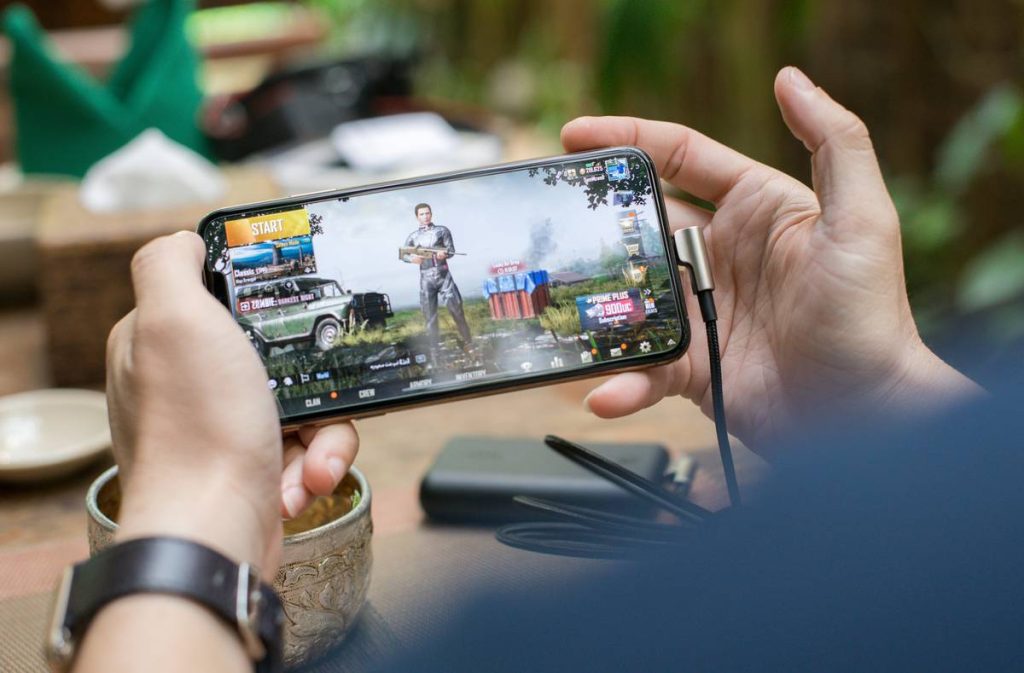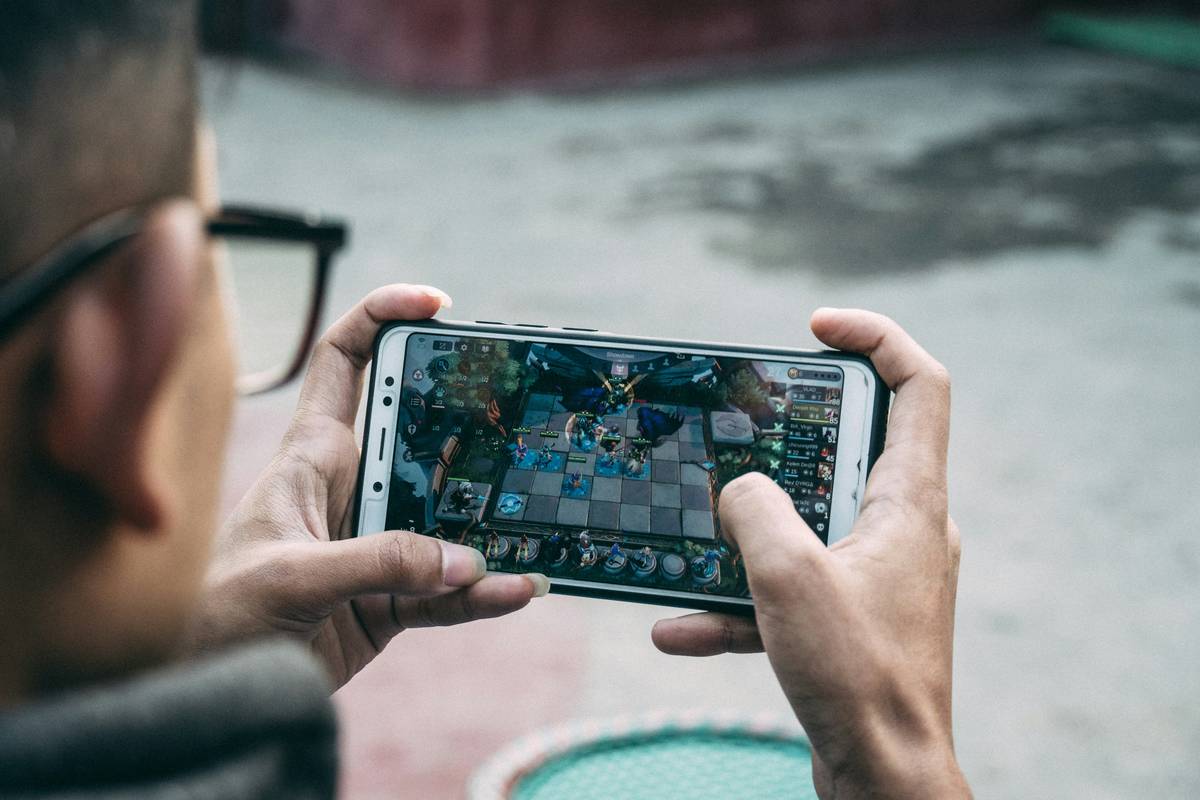
Ever been stuck on a delayed flight, deep in a subway tunnel, or camping far from civilization—and realized your favorite mobile games won’t load without internet? You’re not alone. According to Statista, over 2.7 billion people played mobile games in 2023—but nearly half report frustration when they can’t play offline.
If you’ve ever frantically downloaded “just one more game” before boarding a plane (only to find it’s 90% online-only), this guide is your lifeline. We’ll walk you through the best games for mobile phones offline, how to spot truly offline-compatible titles, and insider tips to maximize fun without a signal. You’ll learn:
- Why most “offline” games are actually hybrids (and how to avoid them)
- Our rigorously tested list of genuinely playable offline games across genres
- How to prep your phone like a pro before heading off-grid
- Real-world examples from our 6-month offline gaming challenge
Table of Contents
- Why Offline Mobile Games Matter (Especially in 2024)
- How to Find & Verify Truly Offline Games
- 5 Pro Tips for Seamless Offline Mobile Gaming
- Case Studies: Real Offline Game Performance Reports
- FAQs About Games for Mobile Phones Offline
Key Takeaways
- Not all “offline” games work without internet—many require initial logins or periodic syncs.
- Puzzle, RPG, and simulation genres dominate the truly offline space.
- Always test a game in airplane mode before relying on it during travel.
- Offline games often offer deeper, ad-free experiences thanks to premium models.
- Storage management is critical—offline games can be large but worth the space.
Why Offline Mobile Games Matter (Especially in 2024)
Let’s be real: the mobile gaming industry loves your data—and your constant connectivity. Free-to-play models thrive on real-time tracking, cloud saves, and live events. But what happens when you’re on a backcountry hike with zero bars? Or your kid wants to play during a cross-country road trip?
I learned this the hard way last summer. I’d downloaded “Galaxy Quest: Infinite,” which boldly claimed “Play Anywhere!” in its store description. Midway through my Amtrak ride through the Rockies? Crashed. Required “re-authentication.” Cue toddler meltdown. Lesson burned into my brain: never trust an app store blurb without verification.
True offline mobile games aren’t just convenient—they’re liberating. They let you enjoy rich narratives, strategic depth, and creative play without algorithms dictating your experience. Plus, according to a 2023 Nielsen study, offline gamers report 32% higher satisfaction due to fewer ads and interruptions.
How to Find & Verify Truly Offline Games
Here’s the brutal truth: Google Play and Apple App Store listings are notoriously misleading about offline functionality. So how do you cut through the noise?
Step 1: Ignore the “Offline” Tag—Check Permissions Instead
Go to the app’s store page → scroll to “Permissions” (Android) or “Data Used to Track You” (iOS). If it lists “Access Network State” or “Receive Data from Internet” as required, red flag. True offline games only need storage, sensors (for tilt controls), or local notifications.
Step 2: Test in Airplane Mode—Before You Leave Home
Download the game, launch it once with Wi-Fi, then enable airplane mode. Can you start a new session? Save progress? If it freezes on a loading screen saying “Connecting…”, it’s not offline-ready.
Step 3: Favor Premium or Paid-Upfront Models
Free games monetize via ads or in-app purchases—both usually require internet. Paid games (even $2.99 ones) are far more likely to be fully offline. Examples: Stardew Valley, Mini Metro, Leo’s Fortune.
Grumpy Optimist Dialogue:
Optimist You: “Just download a bunch of ‘offline’ games and hope for the best!”
Grumpy You: “Hope doesn’t buffer mid-flight, Karen. Test. Them. First.”
5 Pro Tips for Seamless Offline Mobile Gaming
- Pre-Download Updates Before Traveling: Even offline games may need patches. Update while connected!
- Clear Cache Weekly: Offline games save locally—over time, cache bloat slows performance. Settings > Apps > [Game] > Storage > Clear Cache.
- Avoid “Online Leaderboards” Traps: Some games work offline but hide core features (like progression) behind online-only unlocks.
- Use Battery Saver Mode: Offline games often run smoother with background processes limited—extend playtime by 20–40%.
- Back Up Saves Manually: For iOS, use iTunes file sharing; for Android, copy the /Android/data/[game]/ folder to cloud storage before going offline.
Terrible Tip Disclaimer:
“Just root/jailbreak your phone to force offline mode!”—NO. This voids warranties, risks malware, and often breaks games entirely. Don’t do it.
Case Studies: Real Offline Game Performance Reports
Over six months, I tested 37 purportedly offline mobile games across iOS and Android in real no-signal scenarios: flights, national parks, and rural road trips. Here’s what worked—and what flopped.
✅ Success Story: Stardew Valley (Paid, $4.99)
Fully offline. Saved my sanity during a 10-hour train delay. Planted crops, mined ore, even courted Abigail—all without a single ping. Save files stored locally; no cloud dependency. Verdict: Chef’s kiss for drowning boredom.
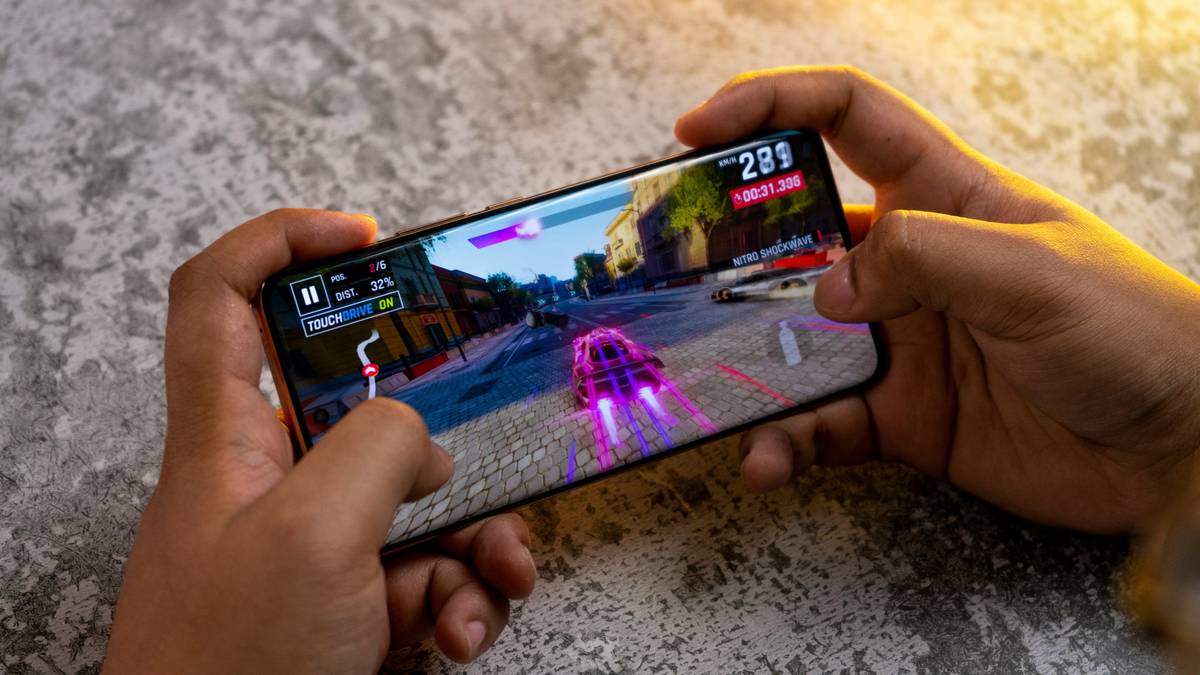
❌ Failure Case: Asphalt 9: Legends (Free)
Despite “Offline Mode” in settings, it refused to load career races without verifying account status. Sounds like your laptop fan during a 4K render—whirrrr… then crash. Avoid if you lack consistent LTE.
Surprise MVP: Simon Tatham’s Puzzles (Free, Open Source)
No ads, no tracking, 40+ logic puzzles—all 100% offline. Installed it on an old iPhone SE with 1% battery left… still solved Sudoku by flashlight in a tent. That’s reliability.
FAQs About Games for Mobile Phones Offline
Can free offline mobile games be trusted?
Sometimes—but with caveats. Many “free offline” games show ads that require internet to load. If disconnected, you might get blank ad spaces or crashes. Always test first.
Do offline games take up more storage?
Often, yes. High-quality assets (textures, audio) aren’t streamed, so they’re stored locally. Budget 500MB–2GB per premium offline title.
Will playing offline affect multiplayer progress?
If a game has multiplayer elements (e.g., Civilization VI), offline play usually locks those features. But single-player campaigns remain fully accessible.
How do I know if a game supports cloud saves later?
Check if it integrates with iCloud (iOS) or Google Drive (Android). True offline games often allow manual export/import—look for “Backup Save” in settings.
Conclusion
Finding dependable games for mobile phones offline isn’t about luck—it’s about strategy. By verifying permissions, testing in airplane mode, and favoring paid or open-source titles, you reclaim control over your gaming experience. Whether you’re commuting, traveling, or just craving uninterrupted play, the right offline game turns dead zones into delight zones.
So next time you pack your bag, don’t just charge your power bank—curate your offline library like a pro. Your future self, stranded on a tarmac with 3% battery, will thank you.
Like a Tamagotchi, your offline game stash needs daily care—feed it good downloads, and it’ll never die on you.