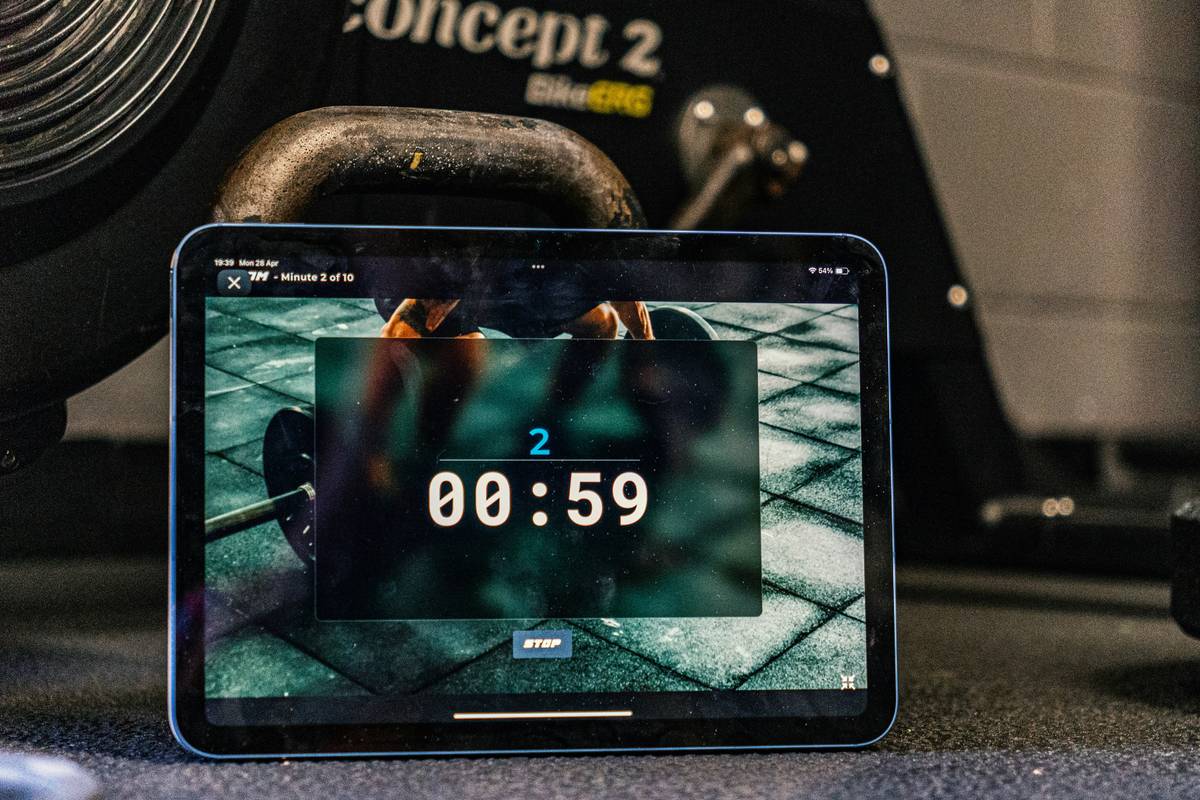
You’re mid-set. Sweat dripping. Heart pounding. Then—your timer app crashes… because it needed an internet connection you didn’t have. Frustrating? Absolutely. Most “offline” timers on iOS are anything but—they ping servers, beg for logins, or vanish without Wi-Fi. But here’s the fix: a truly ios workout timer offline that works like it should—reliably, instantly, zero distractions.
Why Most iOS Timers Fail When You’re Truly Offline
Developers slap “offline mode” on apps that still require initial sign-ins, cloud syncs, or background analytics. And if you’ve ever tried using one in a basement gym or rural trail—good luck. These apps weren’t built for real-world conditions. They were built for app store screenshots.
Worse? Many bloat your screen with ads disguised as “features.” You don’t need motivational quotes between intervals—you need precision. Silence. Control.
How to Find & Use a True iOS Workout Timer Offline
Forget bloated fitness suites. The best offline timers share three traits: no login wall, no mandatory updates, and local data storage only. Here’s how to spot—and use—one that actually works.
Check Permissions Like a Pro
Go to Settings > Privacy > Tracking. If the timer requests “Allow Tracking,” skip it. Real offline tools don’t need to know your habits across apps. Also, inspect Background App Refresh—disable it. If the timer still functions? You’ve got a keeper.
Test It in Airplane Mode
Before trusting it on leg day, flip on Airplane Mode. Launch the app. Set a 45-second work / 15-second rest HIIT round. Run three cycles. If it stutters, reloads, or freezes—you just exposed a fake.
Local Storage = Lifesaver
Your workout history should live on your device—not some server that vanishes during maintenance. Look for phrases like “stored locally” or “on-device only” in the app description. No fine print about “cloud backup required.”
| App Trait | True Offline Timer | Fake “Offline” Timer |
|---|---|---|
| Login Required? | No | Yes (even for basic use) |
| Works in Airplane Mode? | Yes | Crashes or freezes |
| Data Stored On-Device? | Yes | Only via cloud sync |
| Ad Load During Workout? | None or minimal | Full-screen video ads |
The Industry Secret: Gamers Make Better Timer Designers
Here’s something big studios won’t tell you: the most reliable offline timers aren’t built by fitness influencers—they’re made by mobile game devs. Why? Because gamers understand latency, interruption tolerance, and state preservation better than anyone. Think about it: when your character dodges a boss attack, timing is frame-perfect—even on sketchy subway Wi-Fi. That same engine logic powers elite interval timers. Some top offline timers even use Unity or Unreal’s time subsystems, repurposed for burpees instead of bullets. It’s not coincidence—it’s crossover engineering genius.
FAQ
Can I use an iOS workout timer offline without downloading anything?
No. iOS doesn’t include a native interval timer. You must install a third-party app—but choose one verified for true offline functionality.
Do free offline timers secretly track my data?
Many do. Check privacy labels in the App Store. Avoid any requesting “analytics” or “third-party sharing” permissions if you want genuine privacy.
Why does my timer reset when my screen locks?
iOS restricts background activity. Use apps that support background audio cues—or keep screen awake via Settings > Display & Brightness > Auto-Lock > Never during workouts.