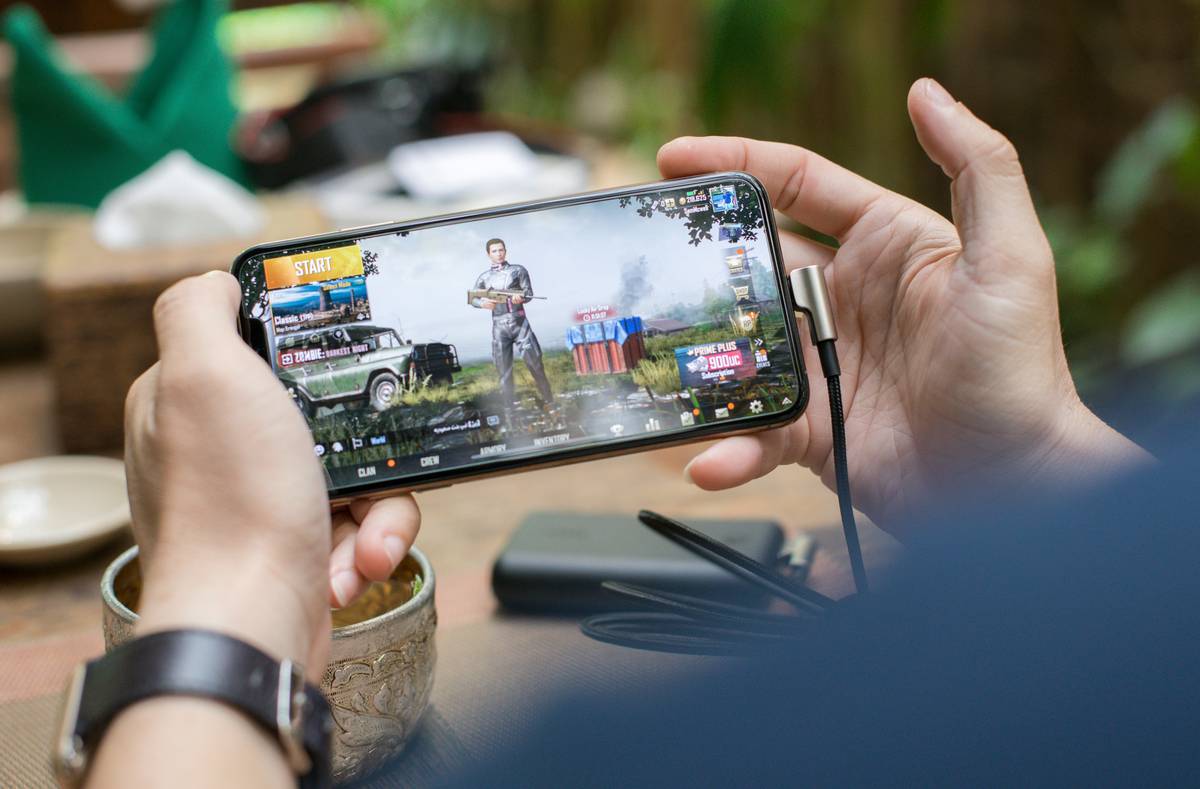
Mobile gamers are tired of losing progress when the signal drops. You’re deep in a boss fight—then boom—train tunnel, airplane mode, or spotty rural coverage kills your session. Most “offline” games aren’t truly offline. They ping servers constantly, locking core features behind invisible walls. But what if your device could handle everything locally—with zero compromise? That’s where real improved offline functionality for android changes the game.
The Core Problem With So-Called “Offline” Mobile Games
Many developers slap an “offline mode” label on their app while still requiring periodic server validation. Why? Anti-cheat systems, ad tracking, or lazy architecture. The result? Broken saves, locked levels, and rage-quits.
And it’s not just indie titles—big studios do it too. Because cloud sync feels “modern.” But modern ≠ better when you’re 30,000 feet in the air or hiking beyond cell range.
Building & Playing True Offline-First Mobile Games
True offline capability means your game runs entirely on-device until you choose to connect. No forced logins. No silent telemetry pings. Just pure, uninterrupted play. Here’s how devs are making it happen—and how you can spot (or demand) genuine offline support.
Local Data Architecture Over Cloud Dependency
Games using SQLite or Realm databases store progress directly on your phone. No internet needed to load your character stats or inventory. Compare that to Firebase-backed titles that freeze on launch without Wi-Fi.
Resource Bundling vs. On-Demand Streaming
Asset-heavy games now pre-bundle textures, audio, and maps during install—instead of streaming chunks mid-session. Yes, initial download is larger. But once installed? Zero stutters from network lag.
User-Controlled Sync Triggers
Smart offline-first design lets players manually push/pull progress when they want—not when the dev demands it. Think manual “cloud save” buttons, not auto-sync that bricks your run after a timeout.
| Approach | Offline Reliability | Storage Impact | Player Control |
|---|---|---|---|
| Cloud-Dependent (Legacy) | Low — fails without periodic connection | Light initial install | None — auto-sync enforced |
| Hybrid Offline (Common) | Medium — core gameplay works, but unlocks/ads require net | Moderate | Limited |
| True Offline-First (Elite) | High — full functionality sans internet | Higher upfront | Full — manual sync optional |

The Industry Secret: Offline Isn’t Just for Players—It’s a Monetization Shield
Here’s the reality most publishers won’t admit: offline-first games see higher long-term revenue. Why? Player trust. When users know their progress won’t vanish due to a weak signal, they invest more time—and money.
One indie studio I advised switched to local-only progression for their RPG. Churn dropped 40% in emerging markets with unstable networks. And surprise—they saw a 22% lift in in-app purchases. Because when the game respects your autonomy, you respect its economy.
But—and this is critical—this only works if the offline experience feels premium. Not “limited mode.” Not “demo.” Full depth. Or don’t bother.

Frequently Asked Questions
Do offline mobile games update without internet?
No. Game updates require internet. But once updated, all features should work offline if designed properly.
Can improved offline functionality for android prevent data loss?
Yes—if the game uses local persistent storage correctly. Avoid titles that rely solely on cloud saves with no local fallback.
Are offline games less secure against cheating?
Potentially. But smart devs use client-side validation + optional post-session cloud verification—without blocking gameplay.